
Platform briefings workshop
Gemini for workspace users
What controls make an AI-assisted brief useful to its readers?
Discuss this workshopDiscussion agenda
What the session covers
- 01Source snapshots and permissions
- 02Cross-document synthesis
- 03Reviewing restated figures
- The preparation conversation
- Ask the owner of the reporting sheet when figures are frozen and who can change them. Choose a cleared briefing with a restated total and check the destination document’s audience.
- Inside the briefing
- Trace a material figure from a sheet snapshot to the draft brief. Our workshop specialist shows how a stale period or a later restatement should appear to the reviewer and records who may approve revised copy.
- After the session
- The reporting owner can agree a snapshot convention and check the next publication for unsupported figures or widened access.
Business context
A decision from the workflow
An earlier briefing may cite last month's financial total after the underlying sheet has been restated. The reader needs the date and version behind the figure used in the new brief.
Session materials
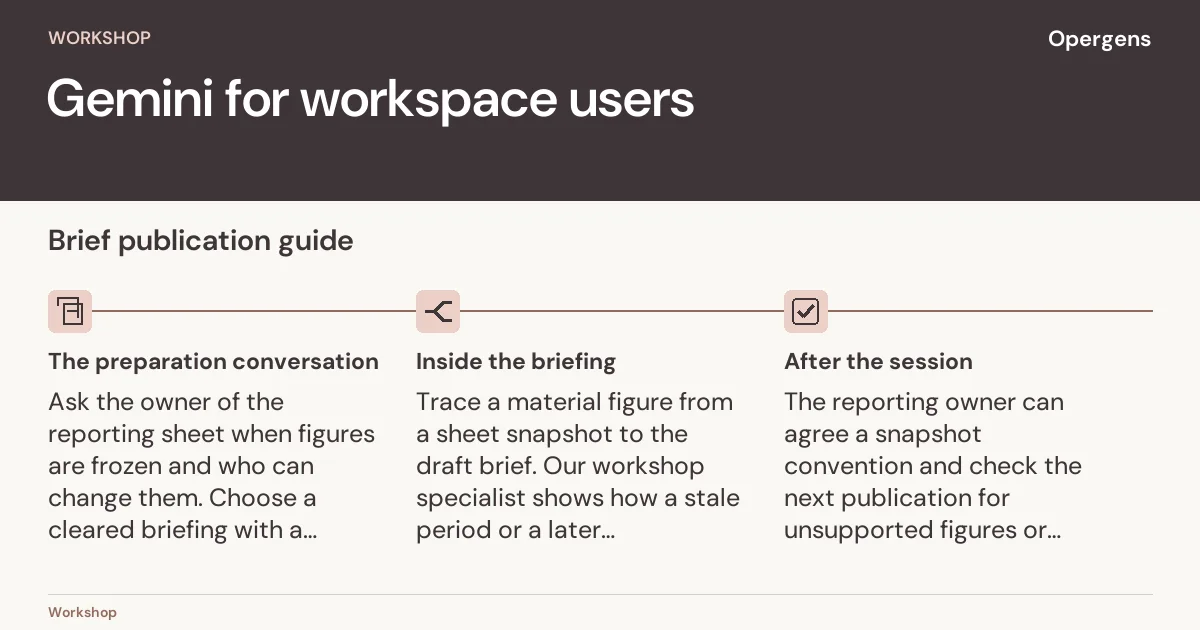
Brief publication guide
The preparation conversation
Ask the owner of the reporting sheet when figures are frozen and who can change them. Choose a cleared briefing with a restated total and check the destination document’s audience.
Inside the briefing
Trace a material figure from a sheet snapshot to the draft brief. Our workshop specialist shows how a stale period or a later restatement should appear to the reviewer and records who may approve revised copy.
After the session
The reporting owner can agree a snapshot convention and check the next publication for unsupported figures or widened access.
Plan this workshop for your team
Tell us who will attend and what they need to do. An Opergens specialist will shape the session around that work and teach your team.