
Platform briefings workshop
Microsoft 365 user workshop
Where should AI assistance sit in an existing Microsoft 365 workflow?
Discuss this workshopDiscussion agenda
What the session covers
- 01Tenant access and licensing
- 02Teams, SharePoint and document ownership
- 03Sharing and retention
- The preparation conversation
- Ask the tenant owner which features are enabled and the organizer who should receive the recap. Identify the meeting workspace, an approved document source and the wider audience where the result might be shared.
- Inside the briefing
- Trace the meeting note from its original audience through a proposed Teams or SharePoint destination. Mark what the organizer checks before publication and which access questions require an administrator.
- After the session
- The service owner can confirm local settings, publish role-specific guidance and return to outstanding permissions with the tenant administrator.
Business context
A decision from the workflow
A meeting recap may include an item from a restricted channel. The organizer needs to check the recipient audience before sharing the note into a broader workspace.
Session materials
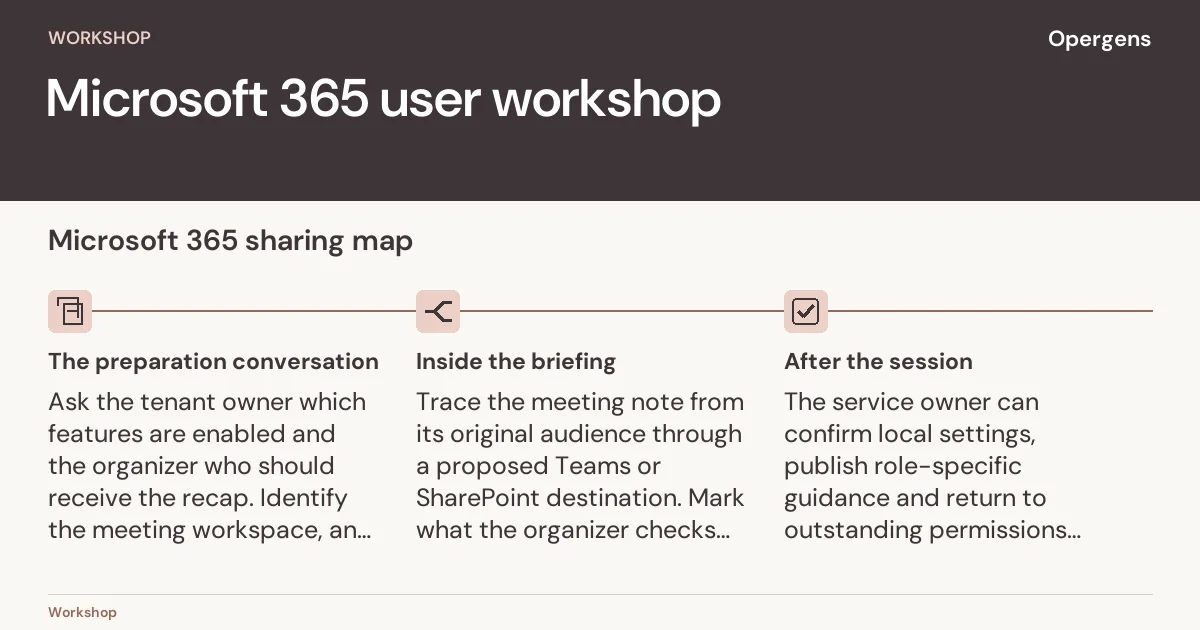
Microsoft 365 sharing map
The preparation conversation
Ask the tenant owner which features are enabled and the organizer who should receive the recap. Identify the meeting workspace, an approved document source and the wider audience where the result might be shared.
Inside the briefing
Trace the meeting note from its original audience through a proposed Teams or SharePoint destination. Mark what the organizer checks before publication and which access questions require an administrator.
After the session
The service owner can confirm local settings, publish role-specific guidance and return to outstanding permissions with the tenant administrator.
Plan this workshop for your team
Tell us who will attend and what they need to do. An Opergens specialist will shape the session around that work and teach your team.