
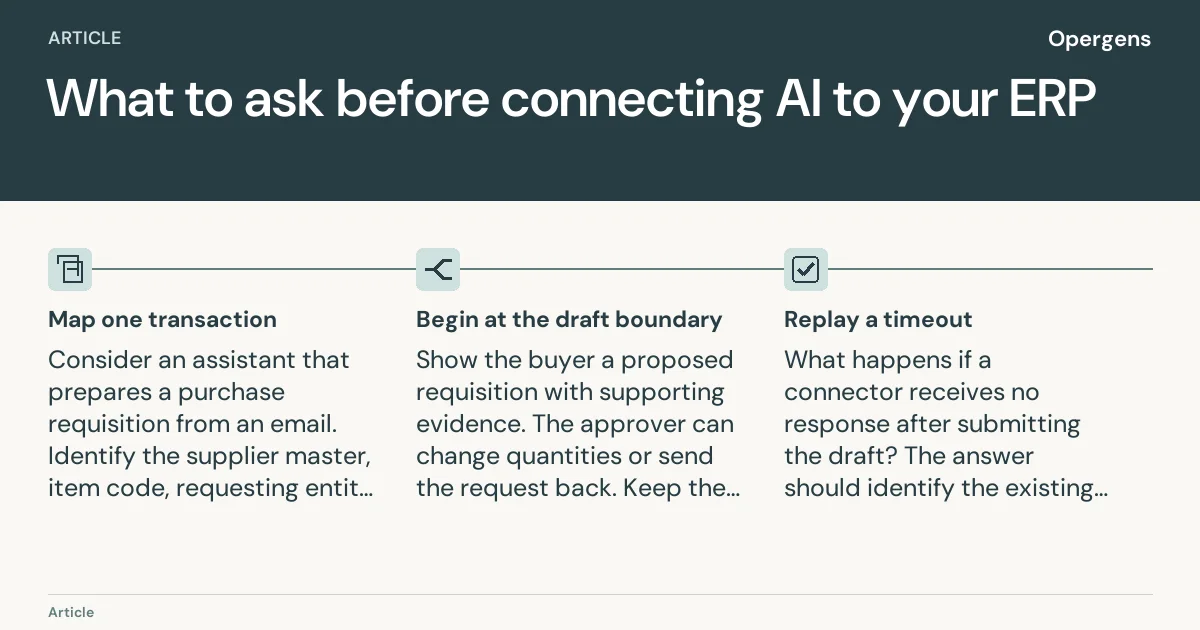
Map one transaction
Consider an assistant that prepares a purchase requisition from an email. Identify the supplier master, item code, requesting entity, approval route and destination record. A shared supplier name is insufficient when two legal entities have different terms.
- Map one transaction
- Consider an assistant that prepares a purchase requisition from an email. Identify the supplier master, item code, requesting entity, approval route and destination record. A shared supplier name is insufficient when two legal entities have different terms.
- Begin at the draft boundary
- Show the buyer a proposed requisition with supporting evidence. The approver can change quantities or send the request back. Keep the ERP’s existing posting authority in place and agree where the approver’s decision will be recorded.
- Replay a timeout
- What happens if a connector receives no response after submitting the draft? The answer should identify the existing record or ask for review before creating another. Include recovery on the pilot agenda and document how staff distinguish a failed submission from a successful one with a missing acknowledgement.
Begin at the draft boundary
Show the buyer a proposed requisition with supporting evidence. The approver can change quantities or send the request back. Keep the ERP’s existing posting authority in place and agree where the approver’s decision will be recorded.
Replay a timeout
What happens if a connector receives no response after submitting the draft? The answer should identify the existing record or ask for review before creating another. Include recovery on the pilot agenda and document how staff distinguish a failed submission from a successful one with a missing acknowledgement.