
Site synchronization log
- Site: packaging bay 2
- Version: approved r7
- Offline observations: three
- First upload: acknowledgement missing
- Recovery: look up observation ID before replay
Inspect the review notes
A central dashboard can look quiet while a remote queue is filling. Include queue age, local storage and the time since the last verified site check in the support view.
How the work moves
Follow the operating sequence
Gather the evidence
Identify the site, read-only inspection source, local model release, supported hardware, storage limit and permitted retention. Agree which observations may stay at the site and exactly what a central reviewer may receive after connectivity resumes.
Prepare the action
Assign each observation a stable identifier and capture the model version and local timestamp. Queue pending work durably within the permitted limit. On reconnection, reconcile accepted records with the central queue before resending. Use a small site cohort for supervised release changes.
Route the exception
A site loses its network during a shift. Three observations are stored locally and the first upload times out after reconnection. The operator checks for the accepted identifier before retrying. If storage or retention is exhausted, the site follows its documented manual inspection route.
Compare a complete record with an exception
Source and permissions
Identify the site, read-only inspection source, local model release, supported hardware, storage limit and permitted retention. Agree which observations may stay at the site and exactly what a central reviewer may receive after connectivity resumes.
Exception to rehearse
A site loses its network during a shift. Three observations are stored locally and the first upload times out after reconnection. The operator checks for the accepted identifier before retrying. If storage or retention is exhausted, the site follows its documented manual inspection route.
Test the workflow on real operating conditions
Verify offline operation, clock drift, partial uploads, exhausted storage and an interrupted software update. Check that a rollback restores the client-approved version and that every accepted observation appears exactly once in the central reviewer queue.
Central processing simplifies model updates where connectivity and data-transfer permissions are reliable. Site inference can reduce transfer and latency but adds device lifecycle, offline operation and synchronization responsibilities.
Agree who takes ownership
What Opergens delivers
A site deployment plan, versioned model package, offline queue, synchronization controls, rollback procedure and remote operating dashboard.
What the operator verifies
The operator can recover from a disconnected site, incomplete update and delayed acknowledgement while preserving the agreed records, review boundary and release version.
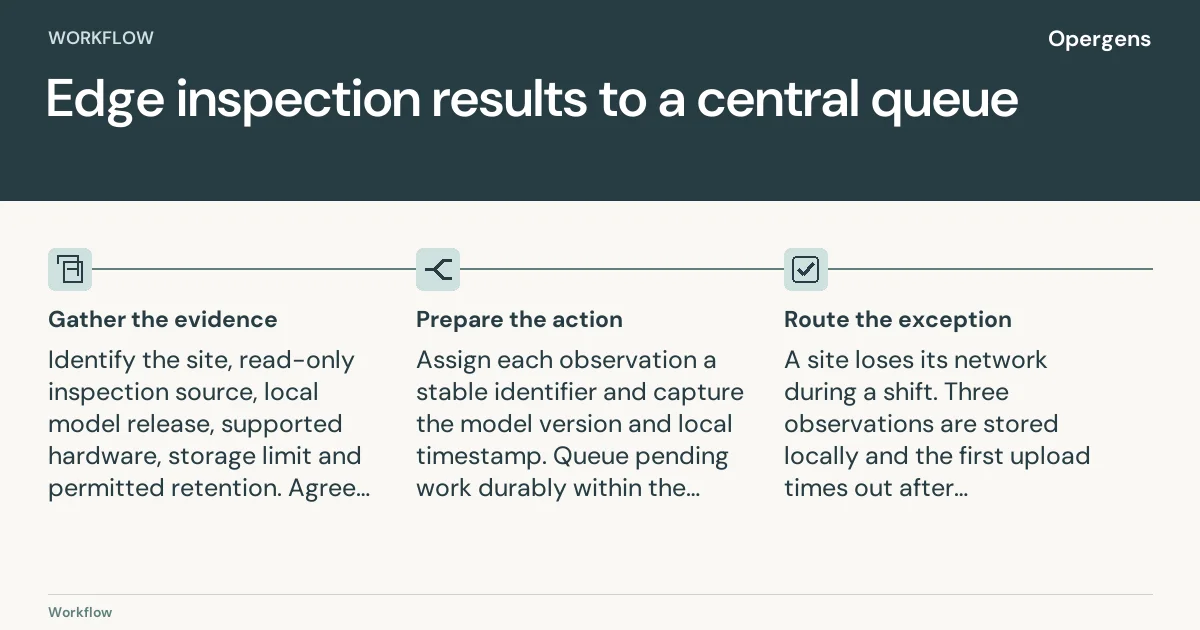
- Gather the evidence
- Identify the site, read-only inspection source, local model release, supported hardware, storage limit and permitted retention. Agree which observations may stay at the site and exactly what a central reviewer may receive after connectivity resumes.
- Prepare the action
- Assign each observation a stable identifier and capture the model version and local timestamp. Queue pending work durably within the permitted limit. On reconnection, reconcile accepted records with the central queue before resending. Use a small site cohort for supervised release changes.
- Route the exception
- A site loses its network during a shift. Three observations are stored locally and the first upload times out after reconnection. The operator checks for the accepted identifier before retrying. If storage or retention is exhausted, the site follows its documented manual inspection route.