
Campaign approval queue
- Account: brand media
- Plan: 1,000 over ten days
- Spend after day four: 520
- Planned to date: 400
- Pacing difference: 120 ahead
- Conversion feed: awaiting refresh
- Action: notify media buyer
- Budget change: unapproved
Inspect the review notes
A real media plan may weight particular days. Use its daily schedule for comparison and check account currency, attribution period and reporting freshness before interpreting performance. Keep platform-reported conversions distinct from internal sales.
How the work moves
Follow the operating sequence
Gather the evidence
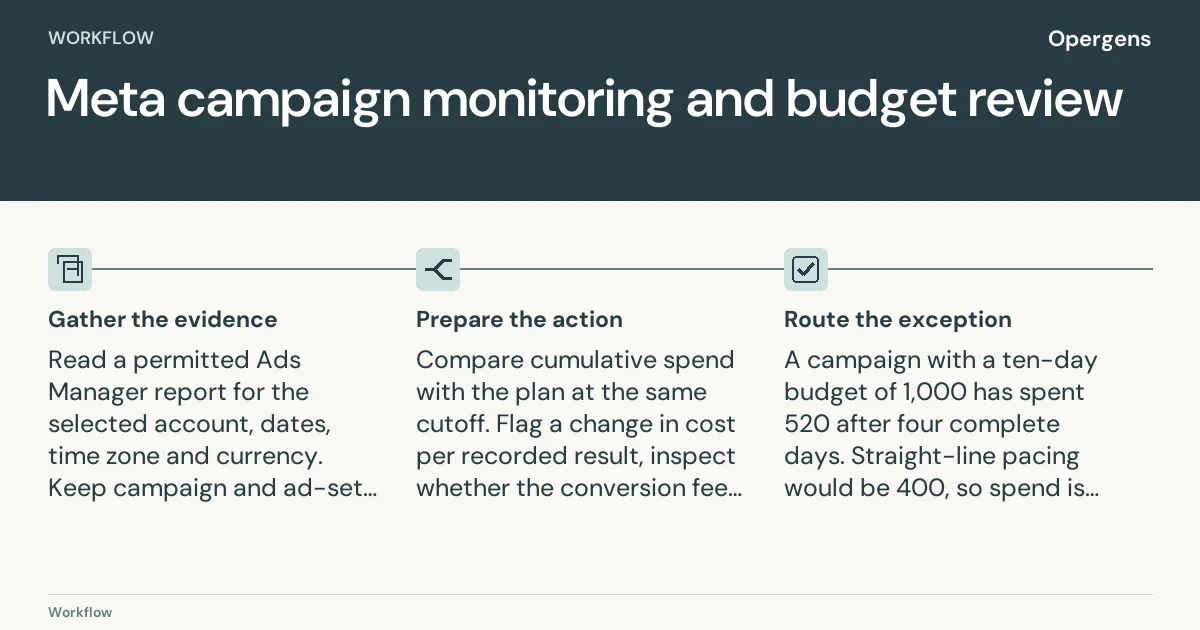
Read a permitted Ads Manager report for the selected account, dates, time zone and currency. Keep campaign and ad-set identifiers, spend, results, attribution setting and reporting cutoff together. Reconcile the budget with the approved media plan and purchases with an independent sales report where available.
Prepare the action
Compare cumulative spend with the plan at the same cutoff. Flag a change in cost per recorded result, inspect whether the conversion feed is current and distinguish delayed reporting from a delivery change. Prepare a recommendation carrying the proposed amount, affected ad set and expiry. The media buyer approves any budget, bid, audience or creative change in the authorized account.
Route the exception
A campaign with a ten-day budget of 1,000 has spent 520 after four complete days. Straight-line pacing would be 400, so spend is 120 ahead of that plan. A recent gap in reported purchases means cost per purchase is incomplete. The monitor alerts the owner to the pacing difference and withholds a performance-based budget move.
Compare a complete record with an exception
Source and permissions
Read a permitted Ads Manager report for the selected account, dates, time zone and currency. Keep campaign and ad-set identifiers, spend, results, attribution setting and reporting cutoff together. Reconcile the budget with the approved media plan and purchases with an independent sales report where available.
Exception to rehearse
A campaign with a ten-day budget of 1,000 has spent 520 after four complete days. Straight-line pacing would be 400, so spend is 120 ahead of that plan. A recent gap in reported purchases means cost per purchase is incomplete. The monitor alerts the owner to the pacing difference and withholds a performance-based budget move.
Test the workflow on real operating conditions
Replay day boundaries, an intentional weekend weighting, delayed purchase events and a campaign renamed midway through the month. Check the monitoring identity is read-only. Ask an approver to reject a proposed change and confirm that spend settings remain under account control.
Separate account conditions from creative performance. A broken purchase feed, a changed landing page and genuine fatigue can all depress reported results. Check delivery and measurement before asking a buyer to move budget.
Agree who takes ownership
What Opergens delivers
A read-only campaign monitor, pacing and conversion checks, creative review queue and approval record for proposed changes. Configure alert thresholds against the media plan and the reporting delay the team actually sees.
What the operator verifies
The media buyer can reproduce an alert from the account report, see what is missing and approve or reject a fully specified change. Permission to monitor remains independent of permission to spend.
- Gather the evidence
- Read a permitted Ads Manager report for the selected account, dates, time zone and currency. Keep campaign and ad-set identifiers, spend, results, attribution setting and reporting cutoff together. Reconcile the budget with the approved media plan and purchases with an independent sales report where available.
- Prepare the action
- Compare cumulative spend with the plan at the same cutoff. Flag a change in cost per recorded result, inspect whether the conversion feed is current and distinguish delayed reporting from a delivery change. Prepare a recommendation carrying the proposed amount, affected ad set and expiry. The media buyer approves any budget, bid, audience or creative change in the authorized account.
- Route the exception
- A campaign with a ten-day budget of 1,000 has spent 520 after four complete days. Straight-line pacing would be 400, so spend is 120 ahead of that plan. A recent gap in reported purchases means cost per purchase is incomplete. The monitor alerts the owner to the pacing difference and withholds a performance-based budget move.