
Viewing request
- Property: unit identity requires clarification
- Enquiry text: unit 14
- Listing record: unit 41
- Action: listing agent to verify
- Appointment: unconfirmed
- Marketing preference: retain submitted choice
Inspect the review notes
Keep the viewing request distinct from later marketing permissions. Ask for the property and scheduling facts that serve the enquiry, and keep the agent responsible for final confirmation.
How the work moves
Follow the operating sequence
Gather the evidence
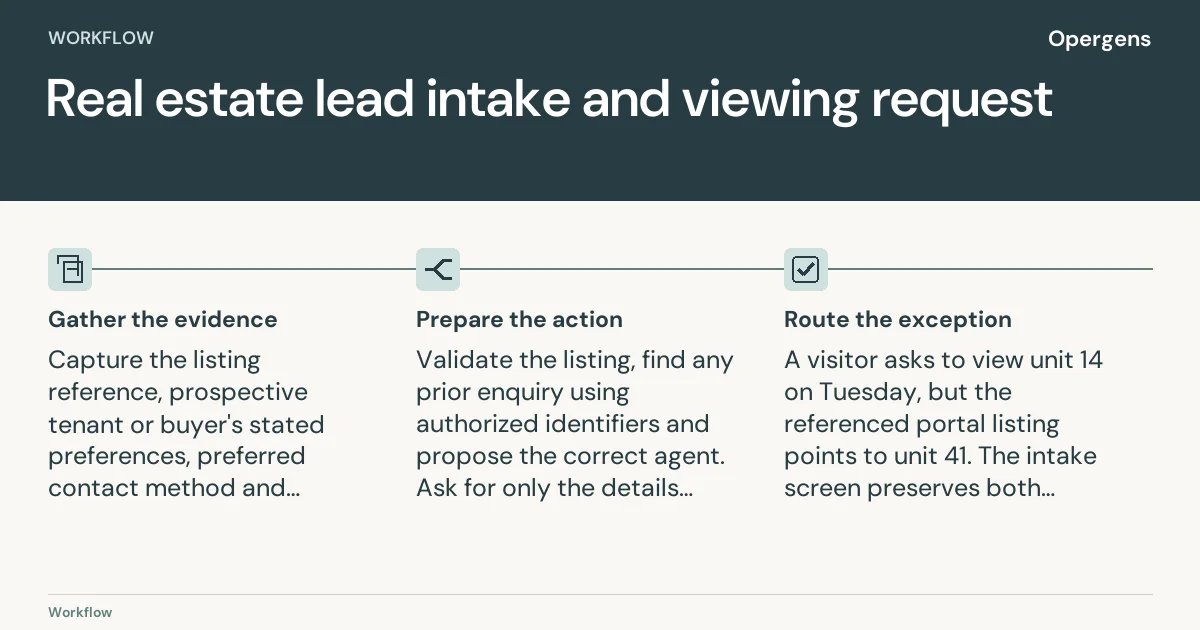
Capture the listing reference, prospective tenant or buyer's stated preferences, preferred contact method and requested viewing time. Match the listing to the latest availability register. A listing title alone cannot distinguish two units in the same development.
Prepare the action
Validate the listing, find any prior enquiry using authorized identifiers and propose the correct agent. Ask for only the details needed to arrange the viewing. Check access arrangements and appointment availability before confirming. The assigned agent approves the outgoing message and any change to the lead record.
Route the exception
A visitor asks to view unit 14 on Tuesday, but the referenced portal listing points to unit 41. The intake screen preserves both identifiers, asks the agent to clarify the unit and offers no appointment until the discrepancy is settled.
Compare a complete record with an exception
Source and permissions
Capture the listing reference, prospective tenant or buyer's stated preferences, preferred contact method and requested viewing time. Match the listing to the latest availability register. A listing title alone cannot distinguish two units in the same development.
Exception to rehearse
A visitor asks to view unit 14 on Tuesday, but the referenced portal listing points to unit 41. The intake screen preserves both identifiers, asks the agent to clarify the unit and offers no appointment until the discrepancy is settled.
Test the workflow on real operating conditions
Test withdrawn listings, a duplicate enquiry from another portal and a calendar conflict. Review confirmed appointments with the correct unit and owner, unnecessary requests for personal details and time spent resolving incomplete leads.
A proposed next action needs more than a name match. The customer may have multiple opportunities, an existing case or a current representative who already promised a follow-up. Show the evidence and leave merges and significant commitments to the assigned owner.
Agree who takes ownership
What Opergens delivers
A lead intake and review workflow, guarded record updates, a suggested follow-up and a record of who approved the action. Connect the channel, CRM and scheduling tools only to the extent the sales process requires.
What the operator verifies
A representative can verify the matched account, review the message, respect an opt-out and see the confirmed activity in the appropriate timeline. Replayed enquiries do not create duplicated outreach.
- Gather the evidence
- Capture the listing reference, prospective tenant or buyer's stated preferences, preferred contact method and requested viewing time. Match the listing to the latest availability register. A listing title alone cannot distinguish two units in the same development.
- Prepare the action
- Validate the listing, find any prior enquiry using authorized identifiers and propose the correct agent. Ask for only the details needed to arrange the viewing. Check access arrangements and appointment availability before confirming. The assigned agent approves the outgoing message and any change to the lead record.
- Route the exception
- A visitor asks to view unit 14 on Tuesday, but the referenced portal listing points to unit 41. The intake screen preserves both identifiers, asks the agent to clarify the unit and offers no appointment until the discrepancy is settled.