
Opportunity change request
- Source record: approved call A-17
- Two open opportunities have the same account
- Proposed next step: send drawings on Thursday
- Opportunity and date: awaiting owner confirmation
- CRM write: pending
Inspect the review notes
Match customer identity, opportunity and field freshness independently. If a customer has several active deals, an accurate transcript can still produce an incorrect update. Preserve a link to the source note so a future account owner can understand why the field changed.
How the work moves
Follow the operating sequence
Gather the evidence
Start with the activity ID, the opportunity ID, the call note and the field history. An account name alone cannot identify a renewal when the same customer also has an implementation project open. The account owner selects the opportunity and confirms they may update it.
Prepare the action
Extract commitments with their speakers and dates. Present a before-and-after view of the next-step field. Leave the sales stage under the ordinary CRM change process. After approval, attach the activity reference and read the saved record back. A later edit by another seller sends the draft back for comparison.
Route the exception
Two opportunities share the name North Division. The transcript says “send drawings on Thursday” without naming a deal. The draft retains that commitment, leaves the opportunity unresolved and lets the owner pick the renewal or dismiss the suggestion.
Compare a complete record with an exception
Source and permissions
Start with the activity ID, the opportunity ID, the call note and the field history. An account name alone cannot identify a renewal when the same customer also has an implementation project open. The account owner selects the opportunity and confirms they may update it.
Exception to rehearse
Two opportunities share the name North Division. The transcript says “send drawings on Thursday” without naming a deal. The draft retains that commitment, leaves the opportunity unresolved and lets the owner pick the renewal or dismiss the suggestion.
Test the workflow on real operating conditions
Run an import twice, remove access to one opportunity and edit the field between approval and save. Inspect the CRM history after each run. Track incorrect record associations alongside the minutes spent typing and verifying each update.
Write down who may read each field, which identity writes the change and what protects a newer value from an older draft. Run the same approved transaction after a timeout. A successful connector response gives limited evidence unless the receiving system shows the intended result.
Agree who takes ownership
What Opergens delivers
A tested integration with field mappings, duplicate handling, audit events and a recovery procedure.
What the operator verifies
A retry leaves a consistent record. A reviewer can see who authorized a change and where it landed.
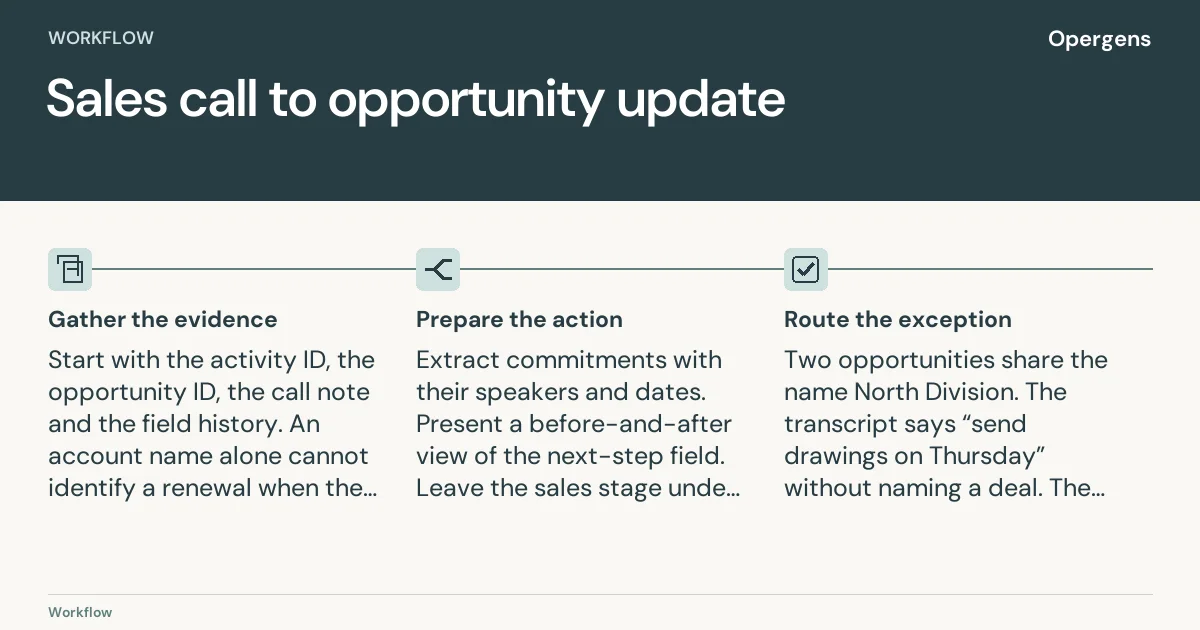
- Gather the evidence
- Start with the activity ID, the opportunity ID, the call note and the field history. An account name alone cannot identify a renewal when the same customer also has an implementation project open. The account owner selects the opportunity and confirms they may update it.
- Prepare the action
- Extract commitments with their speakers and dates. Present a before-and-after view of the next-step field. Leave the sales stage under the ordinary CRM change process. After approval, attach the activity reference and read the saved record back. A later edit by another seller sends the draft back for comparison.
- Route the exception
- Two opportunities share the name North Division. The transcript says “send drawings on Thursday” without naming a deal. The draft retains that commitment, leaves the opportunity unresolved and lets the owner pick the renewal or dismiss the suggestion.